
Your shopping cart is empty!
Menu
- Home
- 3D Models Download
- Hardware
- Software
- Learn
- Upload

Become a Wittyer
Login/Sign up for a "Wittyer Profile" and upload your content with our easy-to-use tool.

Choose your licence
Choose the license that best represents your work between commercial or open source options. Check licences here

Monetize
For each download, you will receive up to 85% of the net selling price. Check our royalty options here
- Customizer3D
- Blogs


Quality
Meticulously chosen products!


AI for Architectural and Interior Visualization with ComfyUI


AI for Architectural and Interior Visualization with ComfyUI
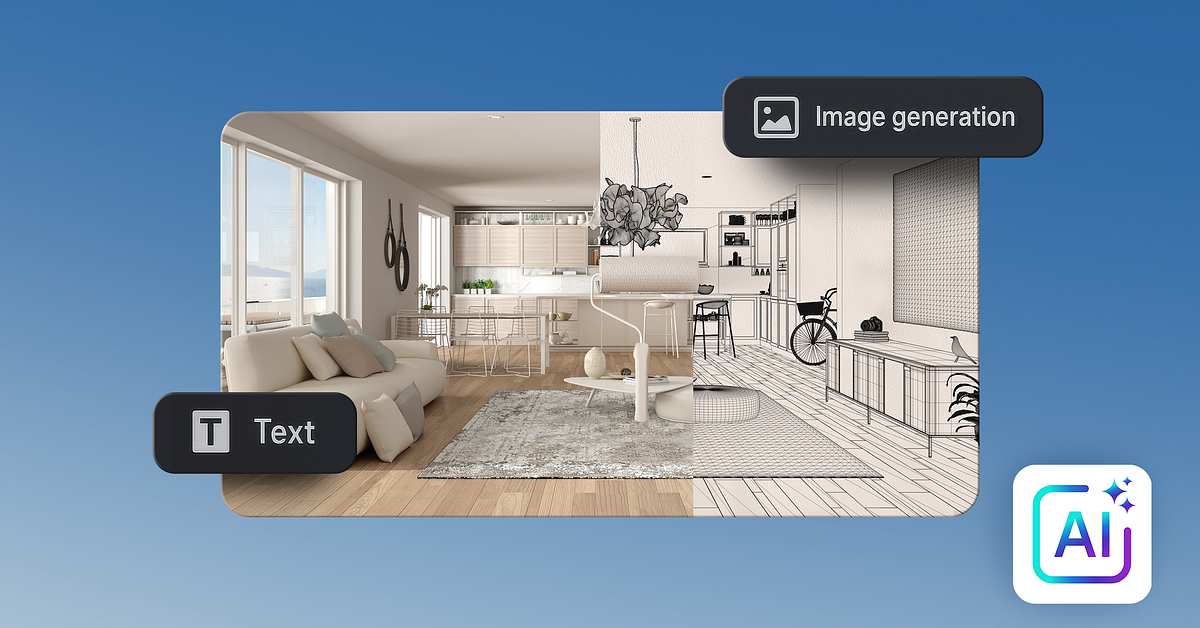
Design controlled AI workflows for architecture and interior visualization using ComfyUI, FLUX models, cloud templates, reusable pipelines
4 lessons (1h 21m)
Audio: English, German, Spanish (Latam), French, Indonesian, Italian, Dutch, Polish, Portuguese, Romanian, Turkish
Level: Beginner
Design more than images and take control of your AI workflows for architecture and interior design visualization. In this course, you will learn how to use ComfyUI and FLUX as professional, open-source tools to move beyond random AI renders and build intentional pipelines for interior and architectural concepts.
You will start by understanding the logic behind diffusion models, nodes, workflows, and checkpoints, using ComfyUI’s visual, Grasshopper-like interface. Step by step, you will learn how text prompts, CLIP encoders, VAE decoders, sampling steps, seeds, and latent images interact to transform prompts into architectural and interior visualizations.
Working in the cloud with Runninghub, you will run ComfyUI without complex installation, using prebuilt templates and ready-made workflows for text-to-image, image-to-image, outpainting, ControlNet, and upscaling. You will see how to use different AI models such as FLUX and Stable Diffusion, test various architecture-focused checkpoints, and evaluate which model works best for each interior or exterior use case.
Through practical exercises, you will apply AI to real design tasks: generating interior design concepts, exploring facade variations, converting sketches and line art to renders, extending scenes with outpainting, and migrating styles between reference images. You will learn to adjust resolution, aspect ratio, batch size, and denoising steps to obtain coherent compositions suited to museums, residential spaces, cultural centers, and public interiors.
Beyond prompt writing, the course focuses on structured design workflows. You will build reusable ComfyUI graphs that connect models, prompts, ControlNet, and image-processing nodes into clear, repeatable pipelines. These workflows allow you to iterate quickly, keep stylistic consistency across projects, and maintain control over spatial logic, materials, light, and atmosphere.
By the end of the course, you will understand how open-source AI, ComfyUI, and FLUX can become part of a professional architecture or interior design practice. You will be able to combine concept thinking, mood boards, and technical parameters to create client-ready visualizations with consistent style, higher resolution, and a clear, editable workflow you can refine and expand over time.
About the Author:
Name: Mohamed Abdellatif
Profession: Tifa Studio Founder, Architect, Urban Designer and writer
This course is the intellectual property of its creator. Wittystore acts as affiliate partner.
Write a review
Your Name:Your Review: Note: HTML is not translated!
Rating: Bad Good
Enter the code in the box below:

